Home / For Forwarders
For Forwarders
Take the declaration from your shipper, not from the keyboard
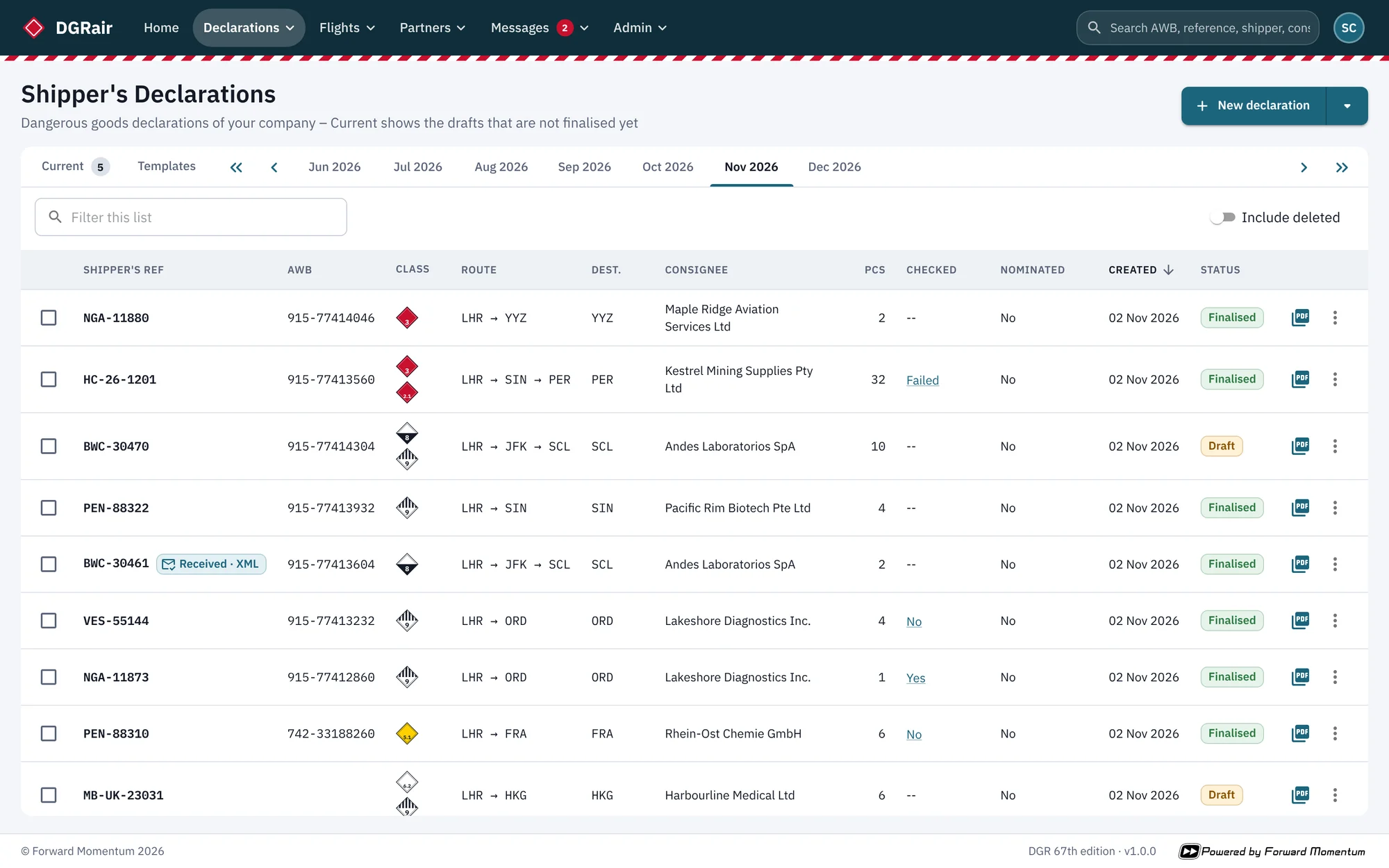
DGRair gives you the shipper's declaration as data. You add the transport details, check it against your carrier's requirements and pass it on to the handler and the airline.
What you can do
You control the transport details. DGRair looks after the dangerous goods rules.
Receive declarations electronically
Get your shippers' declarations as data, ready to work on, instead of paper to copy.
Add the air waybill details
Complete the transport part of the declaration and leave the shipper's part untouched.
Check airline special provisions
Validate each shipment against your chosen carrier's own requirements, on top of the regulations.
Validate before delivery
Run the documentary checks before the shipment is delivered to the airport, while there is still time to fix a problem.
Road transfers (ADR)
Automatic checklists and dedicated functions for moving dangerous goods by road, including the ADR transport document and points check.
Send it onward
Pass the declaration data to ground handlers and airlines as electronic dangerous goods messages.
What you gain
Re-typing a declaration adds time and risk without adding anything to the shipment. DGRair removes that step.
- No re-keying of Shipper's Declarations, and none of the errors that come with it
- You manage only the transport part of the shipment
- Confidence that the shipment meets your carrier's transport requirements
- Fewer shipments rejected at the airport for documentary errors
- Road-legal shipments on every transfer
- e-Freight ready: your handler and airline receive the data ahead of the cargo